Simple CMMS Software for Small Teams: What Actually Matters
By UpFix
Most CMMS fail small teams because implementation complexity outruns frontline adoption. Here is how to evaluate truly simple CMMS software that scales.

The operating models and AI examples in this article are illustrative. They are not a specification of included UpFix features or a measured customer result. See product capabilities and plan limits for the current offer.
Most CMMS Fail Small Teams for a Predictable Reason
Small maintenance teams do not fail because they reject process. They fail when software adds process overhead faster than it removes operational friction. That is the core reason many CMMS rollouts stall in small plants, facilities teams, and multi-site service operations.
The typical pattern is familiar. A team with 3 to 12 technicians buys a platform designed for enterprise governance. The implementation starts with workshops, custom fields, role matrices, asset class modeling, approval layers, and reporting templates. Weeks later, the team still cannot close a basic work order faster than they could in a shared spreadsheet.
At that point, adoption drops. Supervisors fall back to texts and whiteboards for urgent jobs. Technicians complete work but skip system updates. Leaders still pay for software, but the real operating system becomes a patchwork of side channels. This is not a training failure. It is a fit failure.
Redefining Simple CMMS the Right Way
In maintenance software, simple does not mean shallow. It means a team can get to consistent execution in hours, not weeks, with minimal training and no consultant dependency. A simple CMMS should be opinionated about core workflows and flexible only where it matters.
For small teams, the non-negotiable core is narrow:
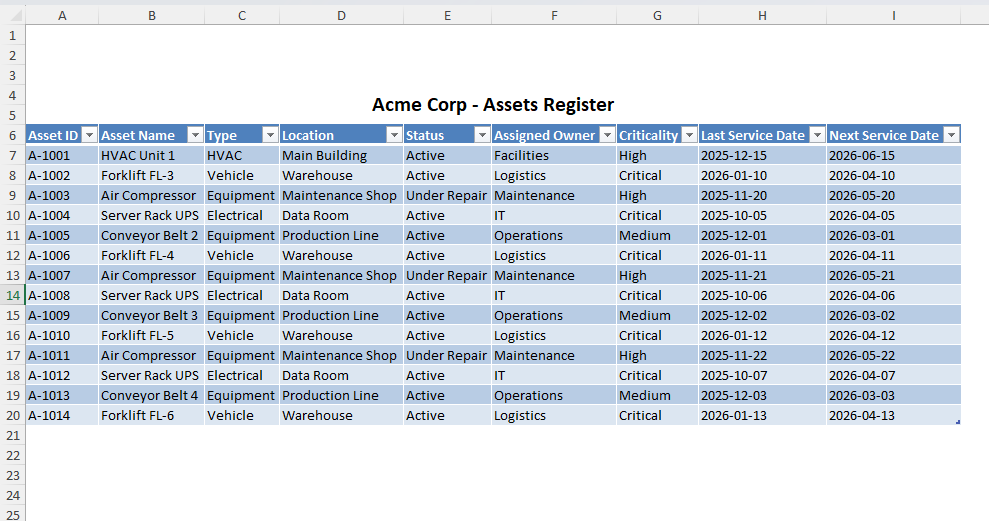
- Assets: A clean asset register with practical hierarchy, location context, and service history.
- Work orders: Fast request intake, assignment, status tracking, and closure with usable notes.
- Preventive maintenance: Repeatable PM scheduling with clear ownership and completion visibility.
If those three areas work cleanly on day one, the team has a system. If they do not, the platform is just expensive documentation.
The Complexity Trap: Why Teams Adopt Enterprise Tools Too Early
Small operations often buy enterprise CMMS for the same reason startups buy oversized ERP systems: they want to avoid outgrowing their stack. The intent is reasonable. The timing is usually wrong.
Enterprise-grade tools are optimized for cross-plant standardization, heavy compliance workflows, and large administrator teams. Small teams need execution speed, not architecture committees. When they adopt enterprise complexity too early, three issues follow:
- Low frontline adoption: Technicians treat the system as secondary because data entry is slower than field work.
- Abandoned process discipline: PMs look complete on paper but drift in reality because workflow friction remains high.
- No trust in data: Backlogs, priorities, and repeat-failure records become inconsistent, so decisions revert to gut calls.
Global research on digital change repeatedly shows that transformation outcomes depend more on adoption and operating-model fit than feature depth. Maintenance software is no exception. When workflow burden exceeds perceived value, users route around the tool.
What Good Looks Like for a Growing Team
Good small-team CMMS execution is boring in the best way. Requests get logged in one place. Work orders move visibly from open to closed. PMs fire on time. Supervisors can see overdue risk in minutes. The system becomes routine, not a project.
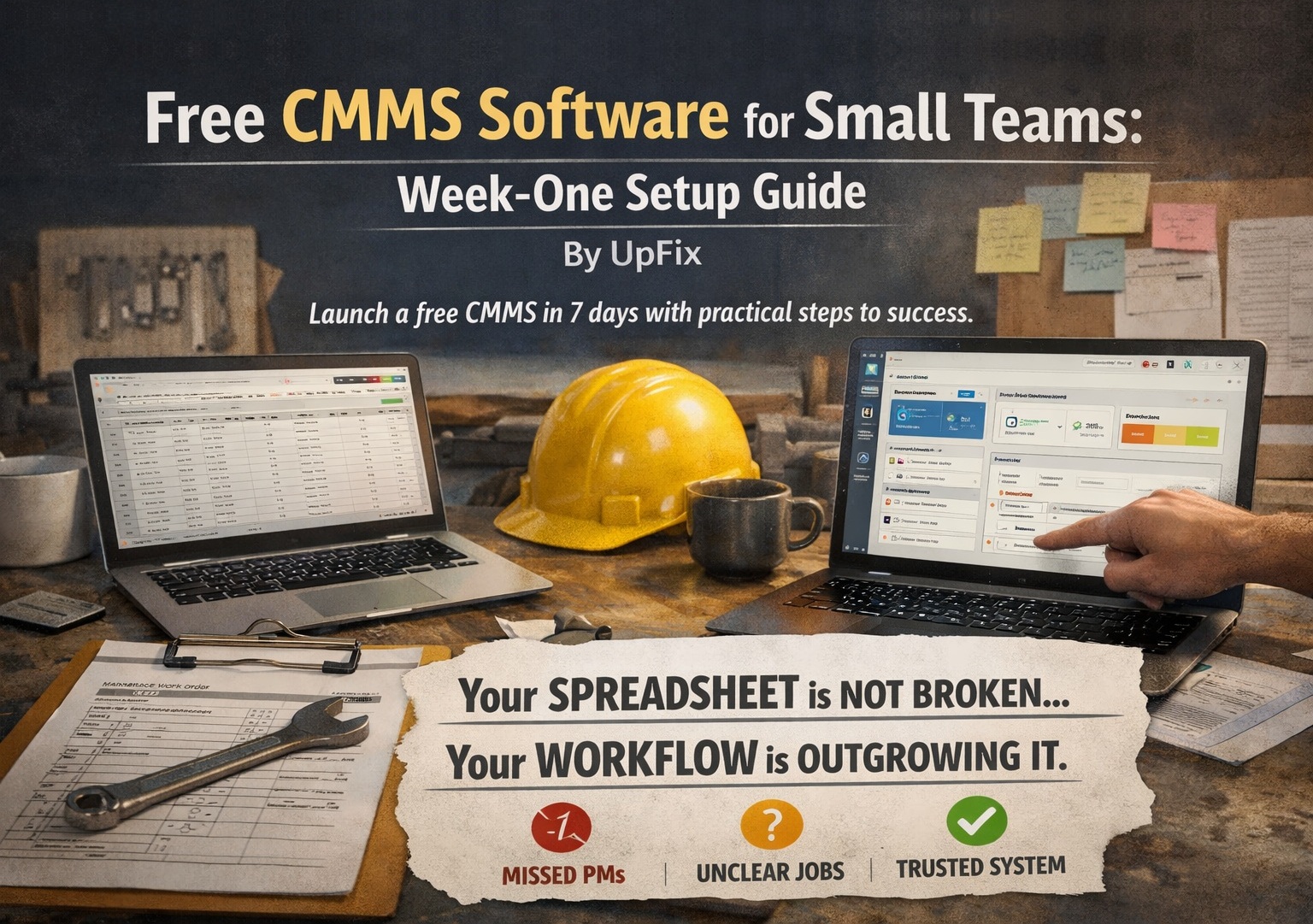
UpFix is the bridge between spreadsheet survival mode and enterprise complexity, built for growing teams that need structure now and scale soon.
UpFix is an operations and work management platform with CMMS capabilities. Keep requests, Work Items, procedures, and service history together. Recurring automations require Team or Pro; inventory, analytics, purchasing, and the built-in Assistant require Pro. Connected meter data depends on supported integrations and configuration.
Practical Checklist: Is It Actually a Simple CMMS?
Use this checklist before committing to any platform:
1) Can your team use it immediately?
- Can a supervisor create assets, PMs, and active work orders in a single session?
- Can technicians update job status from phone or desktop without extra training sessions?
- Can you run your next shift entirely in-system without parallel spreadsheets?
2) Can it scale beyond 100 assets without redesign?
- Does hierarchy support site, line, and component relationships?
- Can PM templates be reused instead of rebuilt per asset?
- Will search, filtering, and backlog views stay usable as work volume rises?
3) Can it fully replace spreadsheets?
- Does it handle request intake, scheduling, assignments, closure notes, and history in one place?
- Are overdue tasks surfaced automatically without manual report work?
- Can leadership pull weekly reliability snapshots without file reconciliation?
If a vendor cannot answer these clearly, the product is likely feature-rich but workflow-poor for small teams.
Implementation in Hours: A Realistic 8-Step Rollout
- Step 1: Import only active assets and critical equipment first. Skip deep historical cleanup during launch.
- Step 2: Define 3 to 5 work order types and required closure fields. Keep this minimal and enforceable.
- Step 3: Build PM schedules for highest-risk assets only, then expand by criticality tier.
- Step 4: Assign ownership rules by shift or zone so every new request has a default path.
- Step 5: Set alerts for overdue PMs and priority corrective work. Avoid alert overload.
- Step 6: Run one pilot day with live tickets, then refine two friction points only.
- Step 7: Turn off parallel spreadsheets within the first week to prevent dual-system drift.
- Step 8: Review weekly: PM completion, critical backlog age, and repeat failures by asset class.
This sequence gives small teams immediate control while preserving a path to larger-scale maturity.
Signals to Watch
- Technicians complete jobs but delay system updates until end of shift.
- Supervisors still rely on side-channel messages for urgent assignments.
- PM completion appears high, but emergency corrective work is rising.
- Asset history exists, but repeat-failure analysis is still manual.
- Leadership meetings spend more time reconciling records than choosing actions.
Bottom Line for Buyers
If you lead a small maintenance team, the right question is not, “Which CMMS has the most features?” The right question is, “Which system will my team use fully next week?”
Simple CMMS software for small teams should deliver immediate usability, clean scale past 100 assets, and full spreadsheet replacement without enterprise rollout pain. That is the line between software that looks impressive in demos and software that improves uptime in operations.
UpFix is built to sit in that middle ground where most teams actually live: beyond spreadsheets, not buried in enterprise complexity, and ready to grow with the operation.
![When to Switch from Excel to CMMS (And Why Most Teams Wait Too Long) [2026 Guide]](https://upfix-public.s3.us-east-1.amazonaws.com/blog-images/1774060612374-374c5c02-625a-4c12-b506-ad1d0363c1fd-switch_from_excel_to_cmms.jpg)